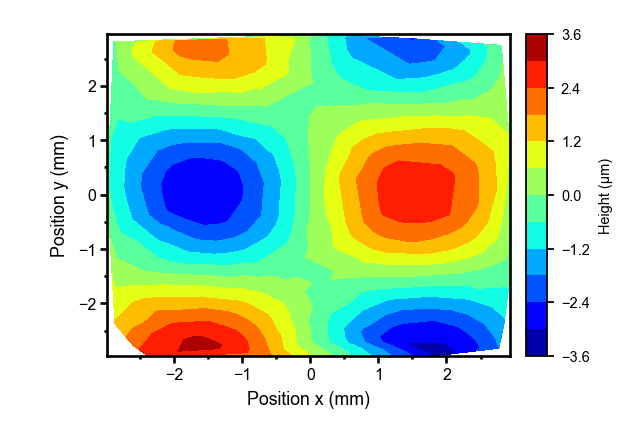
Two desktop tools for the figures that matter. Create editable vector illustrations with Lab Figure. Turn your measurements into scientific graphs with Lab Graph.
01Editable vector artwork02Scientific data & analysis03PowerPoint workflows04Windows desktop
01 / THE TOOLKIT
Different jobs. The same attention to detail.
From the first sketch to the final slide, choose the tool that fits what you want to explain.
LAB FIGURE
ILLUSTRATION & VISUAL EXPLANATION
Draw the idea. Keep every detail editable.
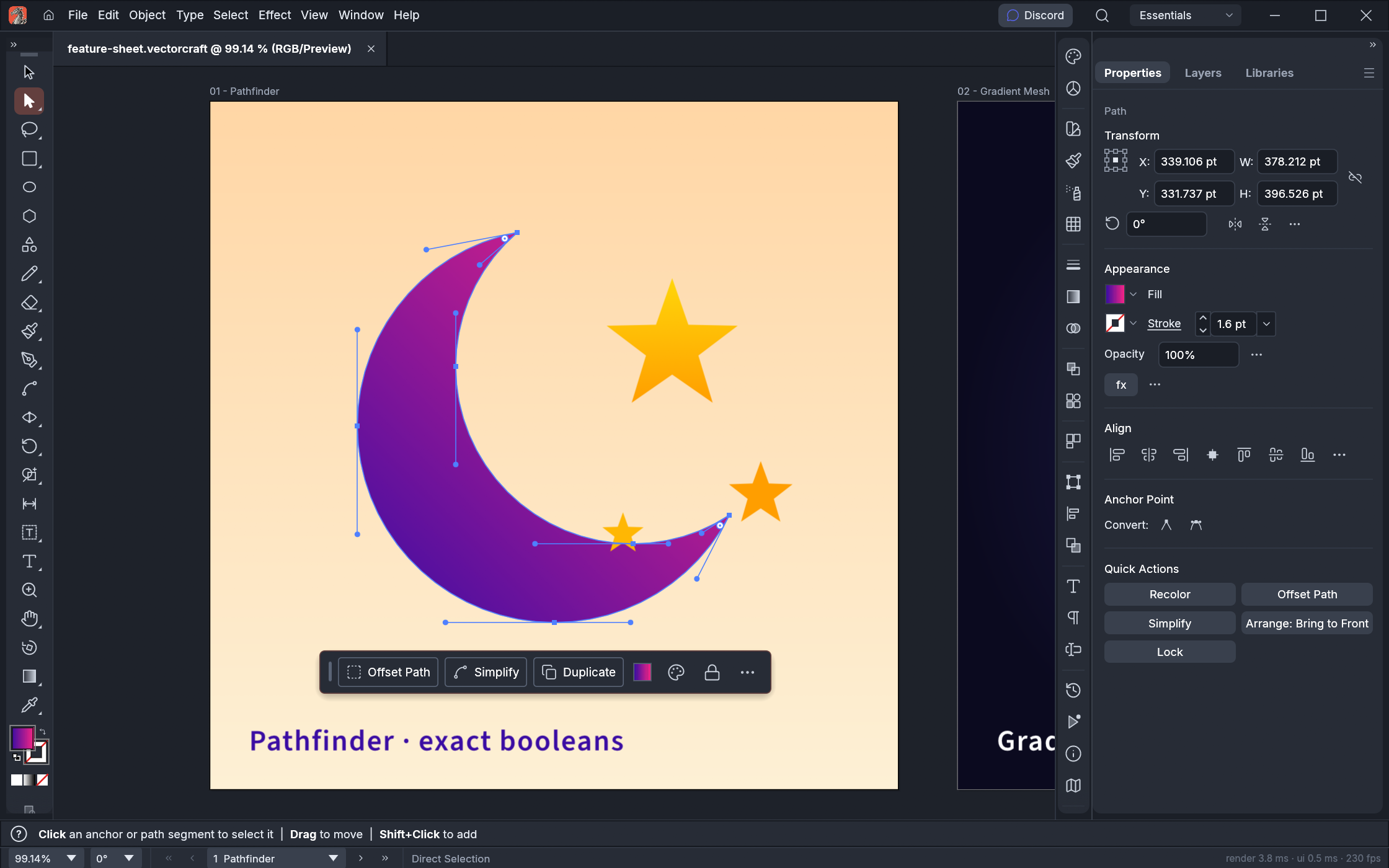
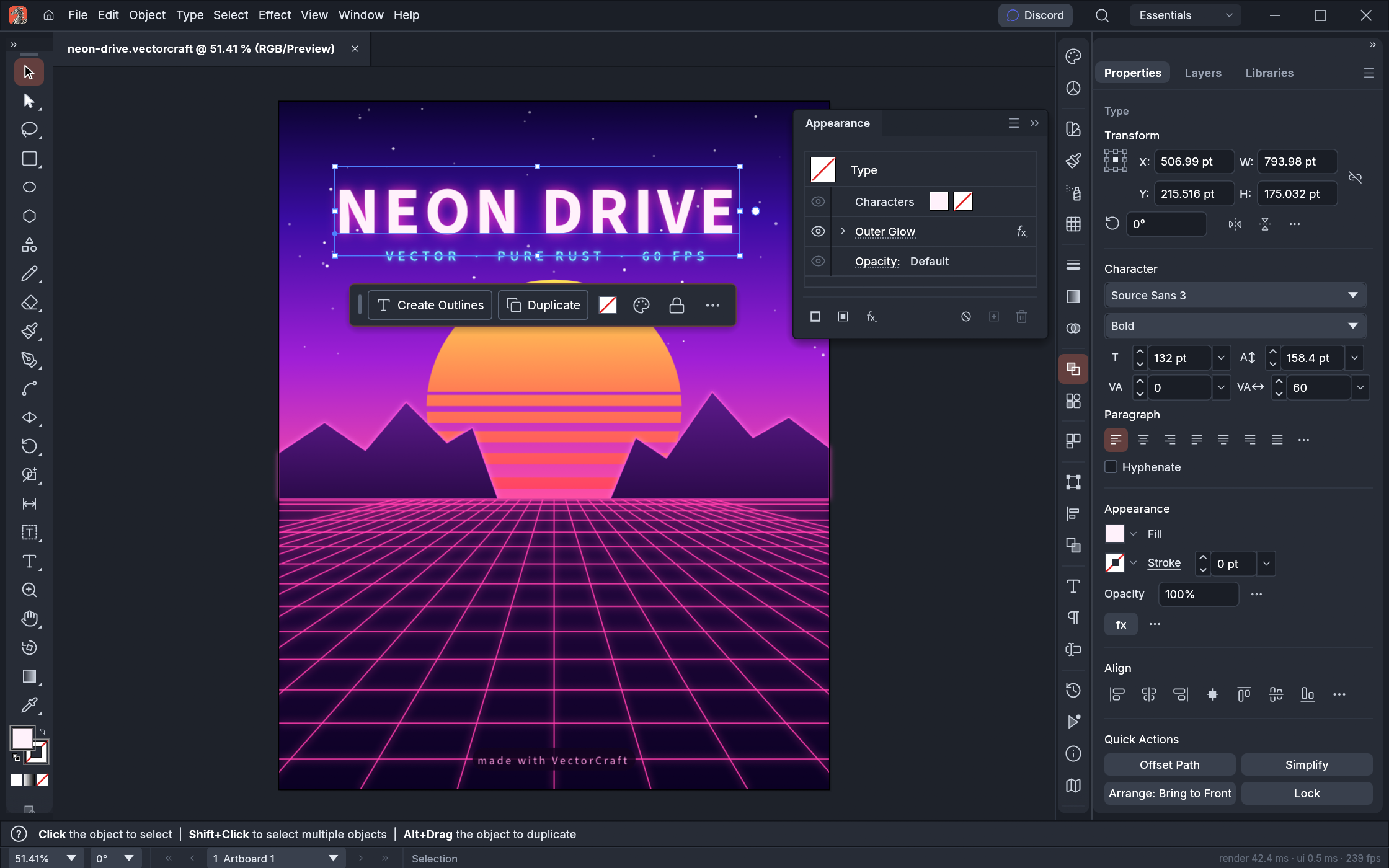
Lab Figure combines a vector illustration workspace with an AI assistant. Build diagrams, refine paths and typography, and turn a written request into artwork you can keep working on.
Pen tools, Bézier curves, layers and multiple artboards
AI-assisted creation and revision with your own connected provider
PowerPoint export with editable supported shapes and text
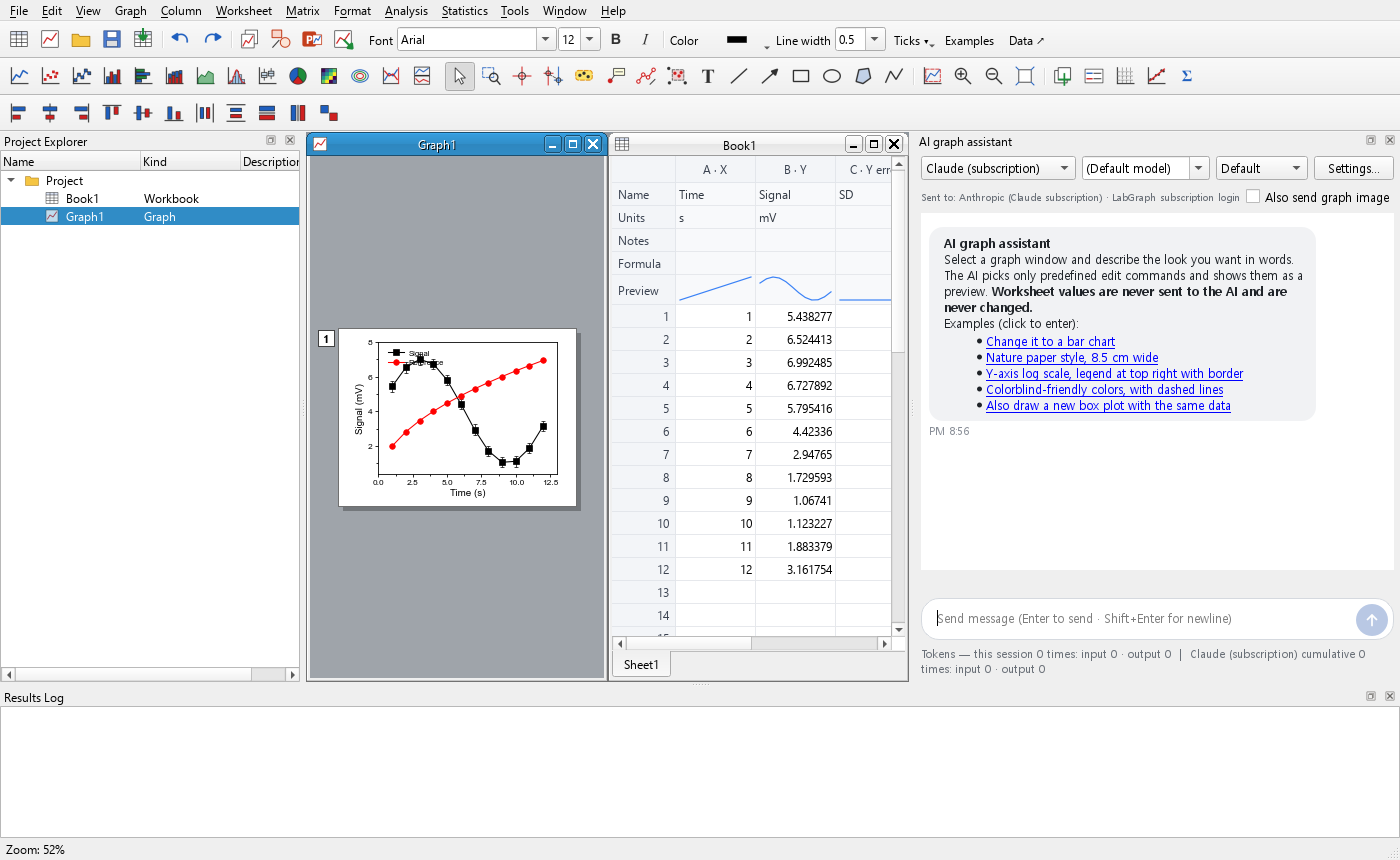
Lab Graph brings worksheets, scientific plots and analysis together. Adjust the axes, compare your data, and take the result straight into a presentation.
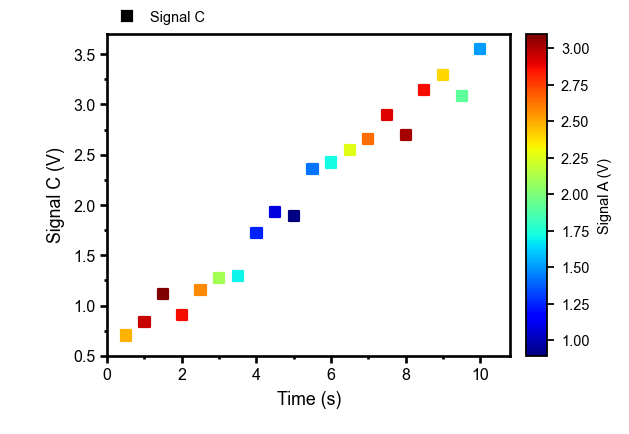
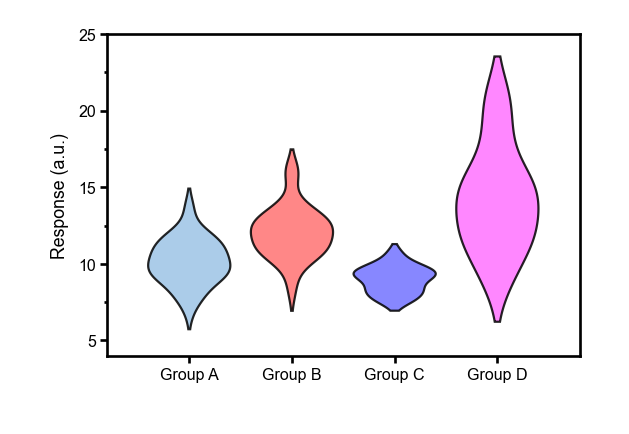
130 graph types, from XY plots to statistical and 3D views
Curve fitting, statistics, signal processing and linked worksheets
Editable PowerPoint shapes or a graph object you can reopen
A presentation should not be the end of editing. Both tools provide ways to bring useful, editable content into PowerPoint.
01
Create
Draw an illustration in Lab Figure, or build a graph from your data in Lab Graph.
02P.pptx
Bring it to PowerPoint
Export a PPTX, or use Lab Graph’s copy and send commands.
03
Aa
Keep refining
Edit supported shapes in PowerPoint, or reopen an embedded Lab Graph object.
Desktop Microsoft PowerPoint and Lab Graph are required to reopen embedded graph objects. Complex vector effects may be preserved as images.
CHOOSE YOUR STARTING POINT
What are you working on?
Your workflow
Lab Figure ↗
Lab Graph ↗
Your starting material
An idea, a sketch or a reference image
Measurements, a worksheet or a CSV/XLSX file
Your main task
Illustrate, arrange and refine
Plot, analyze and format
Your editable document
.vectorcraft
.lgs
PowerPoint workflow
PPTX export; supported shapes and text remain editable
Editable shapes, PPTX export and embedded graph objects
A FEW USEFUL DETAILS
Before you get started.
Do these tools run in the browser?+
This website introduces the Windows desktop packages available here. You install or extract the software on your own PC. The VectorCraft upstream project also develops other platforms, but those are separate from this local AI edition.
Do I need an AI account?+
The core editing and plotting workflows do not require an AI account. AI features need a compatible provider, your own login or API key, and an internet connection. Provider usage limits and charges still apply.
Are the illustrations and graphs still editable?+
Yes, in the original project file. Supported shapes and text can also remain editable in PowerPoint. Complex effects may be exported as images; an embedded Lab Graph object needs the desktop application to reopen.
Can I switch between English and Korean?+
Yes. Use the language menu at the top. This website opens in English by default and remembers your selection on this browser. The Lab Graph guide is available in both languages.
How is this related to the original VectorCraft?+
Lab Figure is a local extension of the ArtCraft VectorCraft project, with an added AI assistant and PowerPoint export workflow. This is an independent distribution website, not the official ArtCraft website. Upstream credits and licenses are preserved.
LAB STUDIO / FIGURE + GRAPH
Your next figure starts here.
Choose a tool, make something clear, and keep it editable.
 LAB FIGURE